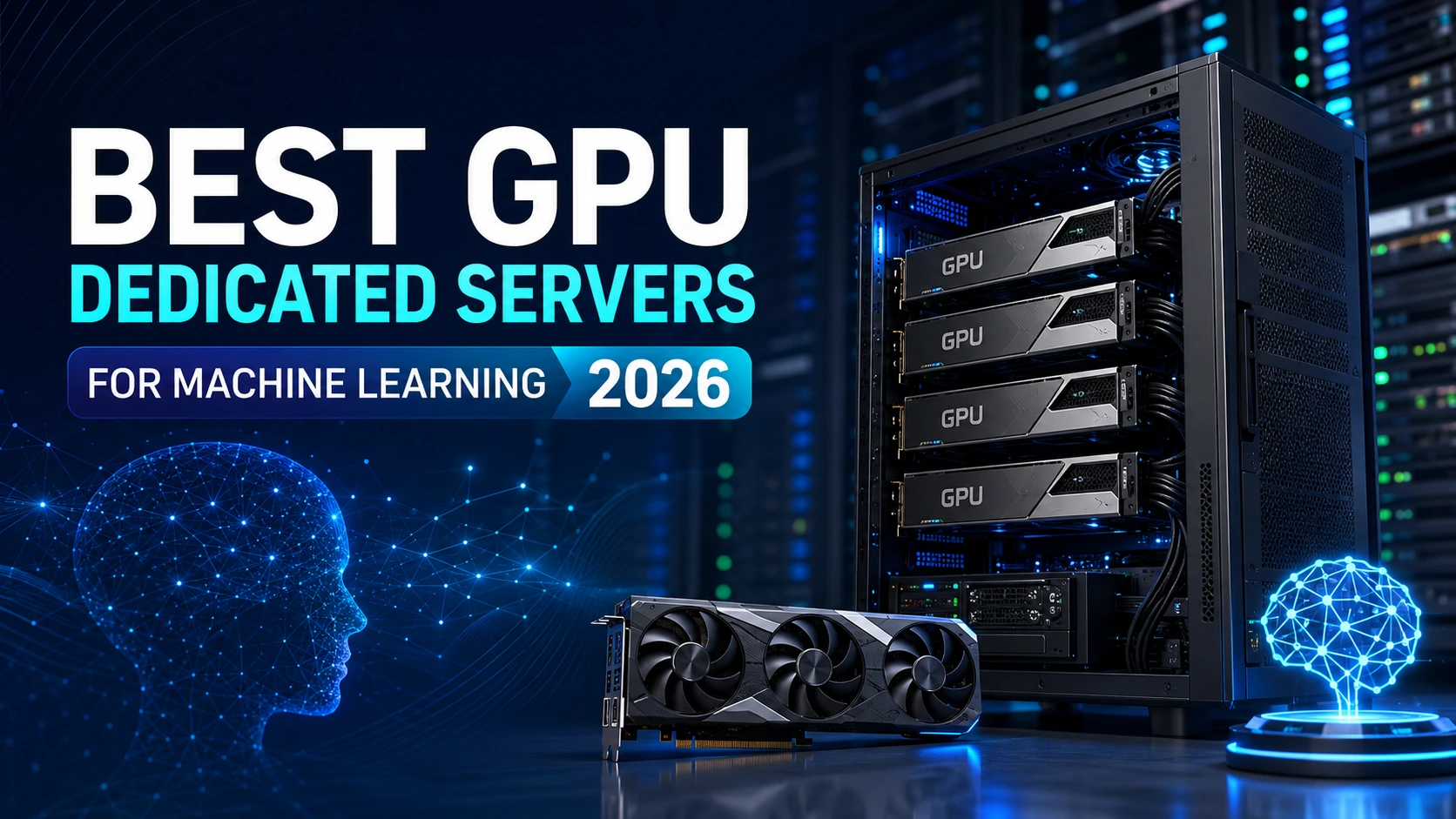
Artificial intelligence is advancing faster than the hardware market can keep up with, and for teams training models, running inference, or fine-tuning LLMs, infrastructure decisions now shape product timelines as much as the algorithms themselves. Cloud GPU instances are convenient for short experiments, but for any team running continuous workloads, GPU dedicated servers have become the more predictable, cost-effective, and secure path forward.
This guide walks through everything you need to evaluate before provisioning a dedicated server for AI and machine learning in 2026, from GPU architecture and VRAM to CPU selection, memory, storage, networking, cooling, and provider selection. Along the way, we'll show where dedicated server infrastructure outperforms the cloud, and how to size a build for your specific workload.
Why Dedicated Servers Matter for Machine Learning Workloads
Neural networks rely on massively parallel math, millions of matrix operations executed simultaneously. CPUs handle sequential logic well, but GPUs are purpose-built for this kind of parallel throughput, which is why GPU-equipped dedicated servers have become the backbone of modern AI infrastructure.
Teams are running dedicated GPU infrastructure for workloads including:
-
Large Language Models (LLMs)
-
Generative AI and image/video generation
-
Computer vision and image recognition
-
Speech recognition
-
Recommendation engines
-
Reinforcement learning
-
Medical and healthcare AI
-
Financial forecasting models
-
Scientific and research computing
-
Autonomous systems research
As these workloads scale, the choice of server infrastructure stops being a simple hardware purchase and becomes a core part of the technology strategy.
Dedicated GPU Servers vs. Cloud GPU Instances
Cloud GPU instances remain useful for short-term testing, but once a workload runs continuously, a dedicated server typically wins on cost, performance, and control.
Where cloud instances make sense:
-
Fast spin-up for short-term testing
-
Hourly, usage-based billing
-
Temporary scaling for bursts of demand
-
No physical hardware to manage
Where a dedicated GPU server wins:
-
Fixed, predictable monthly cost
-
No shared tenancy or "noisy neighbor" performance loss
-
Full root/admin access to the hardware
-
Consistently higher sustained throughput
-
Lower total cost for always-on training or inference
-
Fully customizable software stack
-
Stronger security posture and network isolation
-
High-throughput NVMe storage as standard
-
Premium, low-latency networking options
For organizations running AI workloads day in and day out, a dedicated server almost always delivers a lower total cost of ownership than an equivalent cloud footprint over 12 - 24 months.
Understanding GPU Architecture for AI Workloads
Not every GPU is built for the same job, so matching architecture to workload is the first real decision in any dedicated server build.
NVIDIA RTX Series
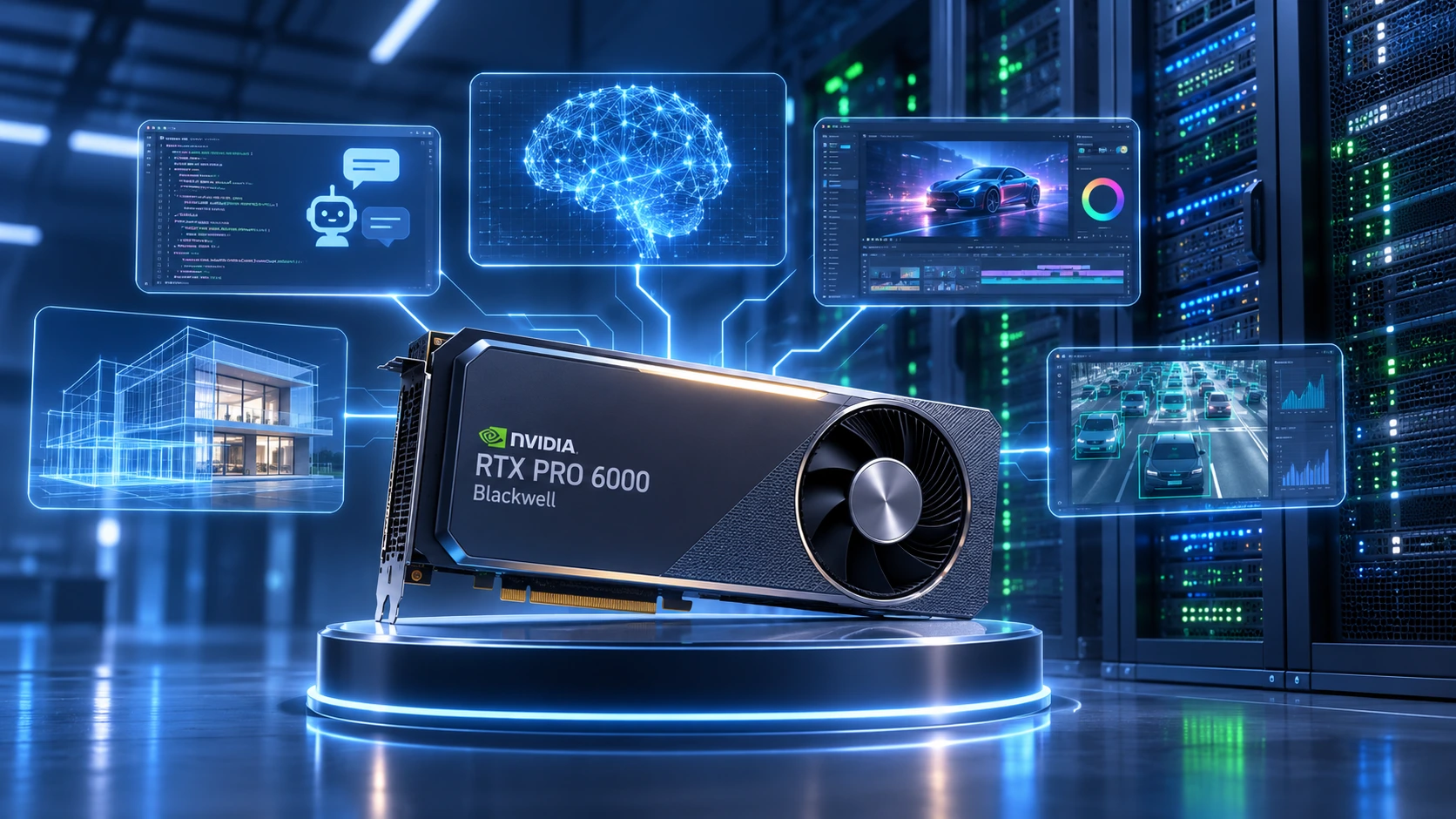
Best suited for AI development, Stable Diffusion, computer vision, image generation, mid-sized LLMs, and research-stage projects. Popular choices include the RTX 4090, RTX 5090, and RTX PRO Blackwell series, all of which offer strong CUDA performance at a lower entry cost than enterprise-class accelerators.
NVIDIA Data Center GPUs
Purpose-built for production AI infrastructure. This tier includes the NVIDIA H100, H200, B200 Blackwell, and GB200 Grace Blackwell, and typically features:
-
High-capacity VRAM
-
Dedicated Tensor Cores
-
NVLink interconnects
-
ECC memory
-
Enterprise-grade drivers and support
-
High sustained AI throughput
These GPUs are the standard choice for research labs, enterprise ML teams, and organizations hosting production LLMs on dedicated server infrastructure.
AMD Instinct GPUs
AMD's Instinct line, including the MI300X, MI350, and MI400, continues to mature as an alternative to NVIDIA, supporting ROCm, large-scale AI models, scientific computing, and HPC workloads. Organizations already standardized on AMD infrastructure often find these accelerators a strong fit.
Choosing the Right GPU Memory (VRAM)
One of the most common sizing mistakes is focusing on GPU compute power while underestimating VRAM. Model size, not just raw processing speed, usually determines what a GPU dedicated server can actually run.
| VRAM | Best suited for |
|---|---|
| 16 GB | Small neural networks, entry-level AI, image classification, learning environments |
| 24 GB | Stable Diffusion, mid-sized LLMs, object detection, active research and development |
| 48 GB | Enterprise AI, large transformer models, video AI, advanced computer vision |
| 80 GB+ | Llama-class models, GPT-scale research, multi-billion parameter models, distributed training |
Insufficient VRAM is frequently the real bottleneck long before a server's GPU compute capacity is fully used.
Selecting the Right CPU for a GPU Dedicated Server
It's a common misconception that machine learning depends on the GPU alone. In practice, the CPU still handles data preprocessing, feature engineering, data loading, compression, job scheduling, batch preparation, OS-level tasks, and database operations, and an underpowered CPU will leave an expensive GPU sitting idle waiting for data.
-
AMD EPYC: strong core counts, high memory bandwidth, abundant PCIe lanes, excellent virtualization support; generally the best balance for production AI dedicated servers.
-
Intel Xeon: still common in enterprise deployments, scientific computing, and mission-critical environments.
-
AMD Ryzen Threadripper PRO: well suited to AI workstations, local development, and multi-GPU desktop builds.
RAM Requirements by Workload
| Workload | Recommended RAM |
|---|---|
| Basic ML | 64 GB |
| Deep learning | 128 GB |
| LLM fine-tuning | 256 GB |
| Enterprise AI | 512 GB+ |
For any production dedicated server, ECC memory is worth the premium; it materially reduces the risk of memory-related errors during long training runs.
NVMe Storage: The Silent Performance Multiplier
AI datasets keep growing, and storage speed has a direct effect on training efficiency. Fast NVMe storage reduces dataset load times, speeds up model checkpoint saves, shortens preprocessing delays, and removes I/O as a training bottleneck. PCIe Gen5 NVMe SSDs significantly outperform SATA SSDs or spinning disks for these workloads.
A typical storage layout for an AI-focused dedicated server:
-
OS drive: 1–2 TB NVMe SSD
-
Dataset storage: 4–8 TB NVMe SSD
-
Backup storage: HDD or object storage
Separating these layers keeps I/O contention low and lets the GPU spend more time computing and less time waiting on disk.
PCIe Lanes and Multi-GPU Scalability
If you expect to expand later, confirm the server supports PCIe Gen5, multiple x16 slots, NVLink compatibility, sufficient power delivery, and efficient airflow. A chassis designed with multi-GPU scaling in mind lets you grow into larger models without a full infrastructure replacement.
Network Performance: Why Bandwidth Matters as Much as Compute
Machine learning workloads move huge volumes of data between storage, memory, and GPUs, and across nodes in distributed setups. Network bandwidth on a dedicated server should be matched to the workload:
-
1 Gbps: individual developers, small research projects, inference, internal testing
-
10 Gbps: mid-sized AI teams, large datasets, production environments
-
25–40 Gbps: multi-node AI clusters, large enterprise deployments, distributed training
-
100 Gbps+: LLM training, HPC clusters, multi-GPU distributed computing, research labs
Faster networking on your dedicated server infrastructure directly reduces idle GPU time and speeds up training pipelines.
Multi-GPU Servers: When You Need More Than One Card
Not every project needs multiple GPUs, but as models and datasets scale up, multi-GPU dedicated servers deliver faster training, larger batch sizes, and shorter project timelines. Common configurations include 2× or 4× RTX GPUs, 4× H100, 8× H200, and 8× Blackwell setups.
Before scaling GPU count, confirm your stack supports distributed training frameworks such as PyTorch Distributed, TensorFlow MultiWorker, DeepSpeed, Horovod, or NVIDIA NCCL; software readiness matters as much as the hardware itself.
NVLink and GPU Interconnects
NVIDIA NVLink allows GPUs to exchange data far faster than standard PCIe, with lower latency. On a multi-GPU dedicated server, this translates to faster inter-GPU communication, better memory sharing, less synchronization overhead, and meaningfully better throughput for billion-parameter LLM training.
CUDA vs. ROCm: Choosing an AI Software Platform
NVIDIA CUDA remains the industry standard, with broad framework support (PyTorch, TensorFlow, JAX, RAPIDS, NVIDIA AI Enterprise), mature tooling, TensorRT and cuDNN acceleration, and the largest developer community.
AMD ROCm has improved considerably and now supports a growing set of AI frameworks, with an open ecosystem and strong HPC capability.
For most production environments, NVIDIA-based dedicated servers remain the lower-risk long-term choice due to broader software compatibility, though ROCm is a credible option for AMD-standardized infrastructure.
Cooling and Power: Easy to Overlook, Costly to Ignore
High-end GPUs such as the RTX 5090, RTX PRO Blackwell, H100, H200, and B200 generate substantial heat under sustained training loads. A production-grade dedicated server should include optimized airflow, high-performance cooling, redundant fans, and intelligent thermal management in a data center-grade chassis.
Power delivery matters just as much, multi-GPU configurations with high-core-count CPUs and large memory footprints can easily exceed 2,000 watts. Look for redundant power supplies, Platinum or Titanium efficiency ratings, and intelligent power monitoring to minimize downtime risk.
Operating Systems and Containerization
Linux remains the standard choice for AI infrastructure:
-
Ubuntu Server: best all-around fit for CUDA, PyTorch, and TensorFlow development
-
Rocky Linux: strong choice for enterprise stability and long-term deployments
-
AlmaLinux: a solid option for teams migrating off CentOS
Windows Server is typically reserved for specialized enterprise applications rather than deep learning environments.
Containerization has also become the default deployment model for AI infrastructure, with Docker, Kubernetes, the NVIDIA Container Toolkit, Podman, and KubeFlow enabling consistent environments from development through production on a dedicated server.
Security Considerations
AI workloads frequently touch sensitive business, healthcare, or financial data, so security can't be an afterthought. At minimum, a production dedicated server should include:
-
Hardware firewalls and DDoS protection
-
Multi-factor authentication
-
VPN access and SSH key authentication
-
Automatic security updates
-
Network segmentation
-
Regular backups and Storage encryption
-
Continuous monitoring
Planning for Scalability
Many teams size a server for today's workload and outgrow it within a year. Before committing to a build, it's worth asking: will model sizes grow? Will datasets keep expanding? Will you need additional GPUs, more memory, or open PCIe slots later? A chassis built with headroom for expansion reduces migration costs down the line.
How to Choose a GPU Dedicated Server Provider
The provider matters as much as the hardware itself. When evaluating a dedicated server host, look at:
-
Hardware quality: enterprise-grade components from trusted manufacturers
-
GPU availability: access to current-generation NVIDIA and AMD accelerators
-
Global data center footprint: locations close to your users and datasets
-
Network performance: premium bandwidth with low latency and high availability
-
Storage options: NVMe as the standard, not the upgrade
-
Technical support: engineers who understand GPU and AI environments specifically
-
Customization: flexible CPU, RAM, GPU, storage, and network configurations
-
Transparent pricing: no hidden bandwidth charges or overage surprises
Common Mistakes to Avoid When Buying a GPU Server
-
Choosing a GPU on price alone
-
Ignoring VRAM requirements
-
Underestimating CPU performance
-
Under-provisioning RAM
-
Using slow SATA storage instead of NVMe
-
Ignoring network bandwidth needs
-
Choosing consumer-grade hardware for production AI
-
Failing to plan for future scalability
-
Overlooking power and cooling requirements
-
Selecting a provider without real AI infrastructure expertise
Avoiding these mistakes upfront can save significant time, downtime, and budget over the life of the server.
Recommended Dedicated Server Configurations by Workload
Entry-level ML and AI development
Best for students, individual developers, small research projects, image classification:
-
NVIDIA RTX 5090 (24GB+ VRAM)
-
AMD EPYC 4004 or Ryzen Threadripper PRO
-
64GB ECC RAM
-
2TB NVMe SSD
-
1–10 Gbps network
Stable Diffusion and generative AI
Best for image/video generation, creative and content platforms:
-
2× NVIDIA RTX PRO Blackwell GPUs
-
AMD EPYC 9005 series processor
-
128GB ECC RAM
-
4TB PCIe Gen5 NVMe SSD
-
10 Gbps network
LLM fine-tuning
Best for Llama, Mistral, DeepSeek, Qwen, enterprise chatbots, RAG applications:
-
4× NVIDIA H200 GPUs
-
Dual AMD EPYC processors
-
512GB ECC DDR5 RAM
-
8TB PCIe Gen5 NVMe storage
-
25 Gbps network, NVLink enabled
Enterprise AI training
Best for universities, AI labs, government research, healthcare AI, financial modeling, autonomous systems:
-
8× NVIDIA Blackwell GPUs
-
Dual AMD EPYC 9005 CPUs
-
1TB ECC DDR5 RAM
-
Multiple PCIe Gen5 NVMe SSDs
-
100 Gbps networking, NVLink, high-performance cooling
Emerging Trends in GPU Dedicated Servers for 2026
-
AI factories: enterprises are building dedicated AI clusters rather than relying solely on public cloud, combining high-density GPU dedicated servers with high-speed networking and optimized storage.
-
Larger GPU memory: 96GB, 144GB, and higher VRAM configurations are becoming standard, reducing the need for aggressive model sharding.
-
PCIe Gen5 and Gen6: faster interconnects between CPU, GPU, storage, and networking components, with clear upgrade paths.
-
Liquid cooling: increasingly common in high-density deployments as GPU power draw continues to rise.
-
AI-optimized data centers: purpose-built facilities with optimized power delivery, redundant networking, and enhanced cooling for GPU dedicated server hosting.
Frequently Asked Questions
Q: What is a GPU dedicated server?
A GPU dedicated server is a physical server equipped with one or more graphics processing units, reserved exclusively for one customer, and built to accelerate parallel workloads such as machine learning, deep learning, and scientific simulation.
Q: Why choose a dedicated server over a cloud GPU instance?
A dedicated server gives you exclusive access to hardware, predictable monthly pricing, consistent performance, and complete administrative control, typically at a lower total cost than cloud GPU instances for continuous AI workloads.
Q: Which GPU is best for machine learning in 2026?
It depends on the workload. RTX-series GPUs suit AI development and inference well, while enterprise accelerators like the NVIDIA H200 and Blackwell series are built for large-scale training, multi-GPU environments, and production AI.
Q: How much RAM does a machine learning dedicated server need?
Most production environments need at least 128GB of ECC memory. Larger projects, especially LLM training or distributed workloads, often require 256GB, 512GB, or more.
Q: Is NVMe storage necessary for AI workloads?
Yes. NVMe storage significantly cuts dataset loading times, checkpoint save times, and preprocessing delays, keeping GPUs busy computing rather than waiting on disk I/O.
Q: Can a dedicated server run multiple GPUs?
Yes. Many enterprise dedicated servers support two, four, or eight GPUs, enabling faster training when paired with distributed computing frameworks.
Q: What operating system works best for AI on a dedicated server?
Ubuntu Server, Rocky Linux, and AlmaLinux are the most common choices due to strong compatibility with CUDA, AI frameworks, and container tooling.
Q: How do I choose the right dedicated server provider for AI?
Prioritize providers with enterprise-grade hardware, current-generation GPUs, NVMe storage, fast networking, transparent pricing, and technical support experienced specifically in GPU and AI infrastructure.
Final Thoughts
Choosing the right infrastructure in 2026 goes well beyond picking the newest GPU. A well-balanced dedicated server, combining the right GPU architecture, a capable CPU, ECC memory, fast NVMe storage, and low-latency networking, is what actually determines training speed, reliability, and long-term cost.
For teams running continuous AI development, a dedicated server consistently delivers a better return than pay-as-you-go cloud GPU instances: predictable costs, dedicated resources, and full control over the environment.
About COLO BIRD
COLO BIRD is a dedicated server resource hub helping businesses, developers, and infrastructure teams make smarter decisions about bare-metal hosting, colocation, and server virtualization. From hypervisor comparisons to dedicated server provider reviews, we publish in-depth, practitioner-focused content to help you build better infrastructure.
Looking for the right dedicated server for your Proxmox or ESXi deployment? Explore our dedicated server guides and colocation provider comparisons to find the best hardware for your workload.
 Explore Our Global Dedicated Server Locations
 Your Voice Matters: Share Your Thoughts Below!
 Recent Topics for you