Quick Summary: IPMI vs. SSH for Dedicated Server Management
-
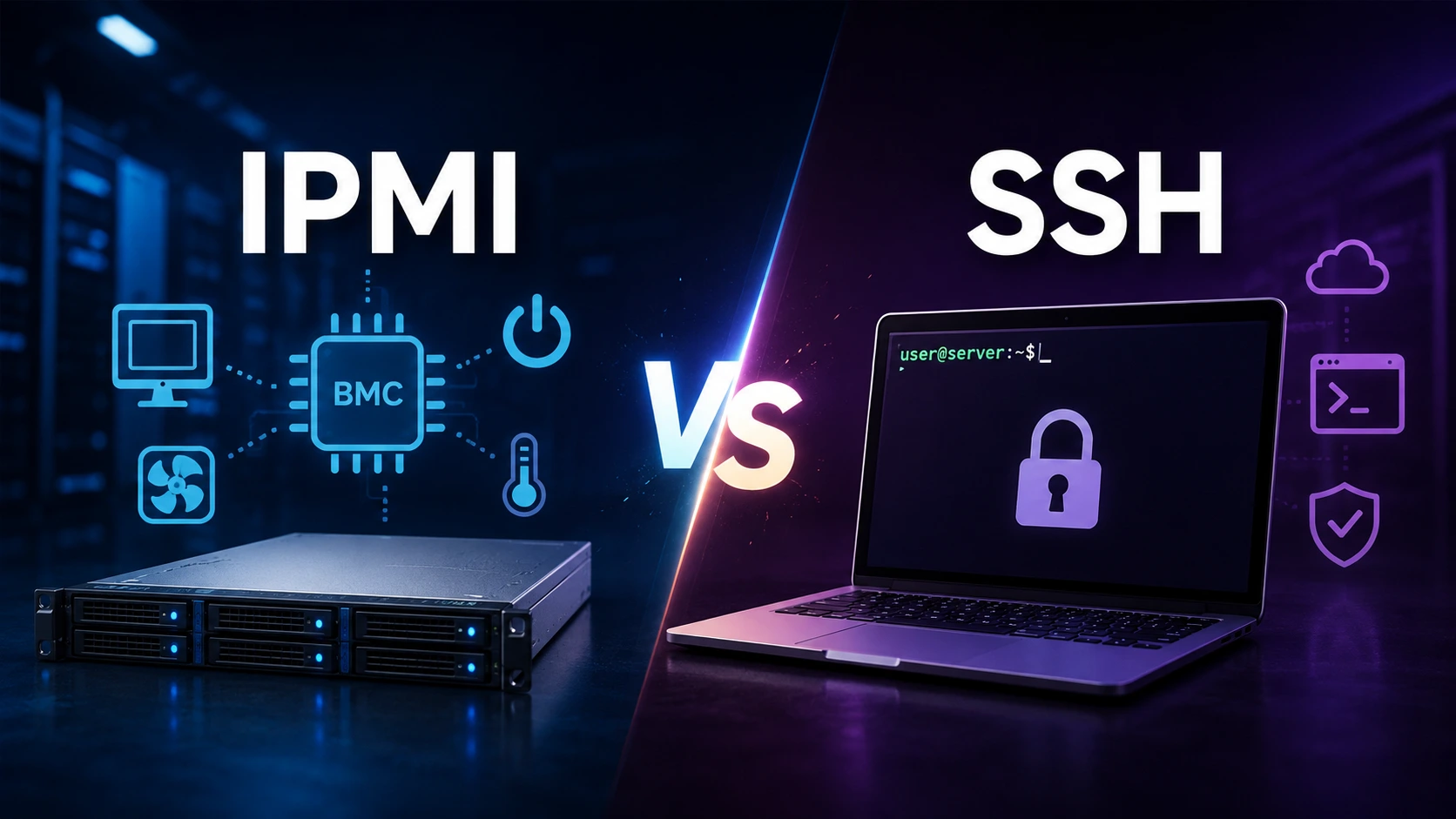
Management Type: IPMI provides out-of-band hardware management (works even when the OS is down), while SSH provides in-band operating system administration (requires a booted OS).
-
Primary Use Cases: Use IPMI for OS installations, RAID configuration, BIOS/UEFI changes, power cycling, and hardware recovery. Use SSH for day-to-day administration, software deployments, and automated task execution.
-
Security & Resilience: Combining both tools gives you complete control. Always isolate IPMI on a private management network/VLAN and enforce key-based SSH authentication for maximal security.
IPMI vs SSH: Which Remote Management Method Should You Use for Your Dedicated Server?
If you manage a dedicated server, sooner or later you'll run into a scenario that SSH simply cannot fix: the operating system won't boot, a kernel panic locks you out, or a failed update leaves the server unreachable. This is exactly where the debate between IPMI vs SSH matters most, and where understanding the difference between the two can be the difference between a five-minute fix and an emergency data center visit.
Both IPMI (Intelligent Platform Management Interface) and SSH (Secure Shell) are core tools for remote server management, but they were built to solve different problems. SSH gets you into the operating system. IPMI gets you into the hardware, even when there's no operating system to get into. For system administrators, DevOps engineers, and hosting providers running bare metal dedicated servers, knowing when to use each one (and why you actually need both) is fundamental to keeping infrastructure available.
This guide breaks down how IPMI and SSH work, where they differ, how they compare on security and performance, and how to use them together as part of a resilient dedicated server management strategy.
Why Remote Server Management Matters
Very few businesses today have someone standing next to their server rack. Infrastructure is hosted in data centers that may be states or continents away, so the ability to manage a server remotely isn't a convenience; it's an operational requirement.
A solid remote management setup lets administrators:
-
Install or reinstall an operating system without physical access
-
Perform routine server maintenance and firmware updates
-
Troubleshoot hardware failures and boot issues
-
Manage storage and RAID configurations
-
Monitor hardware health in real time
-
Recover a server during an OS failure
-
Automate deployments and configuration changes
-
Minimize downtime during incidents
Without dependable remote access, even a minor misconfiguration can turn into an expensive on-site support ticket. That's why out-of-band management and in-band management, the categories IPMI and SSH fall into, respectively, both deserve a place in your operational toolkit.
What Is IPMI and How Does It Work?
IPMI is an industry-standard protocol for out-of-band server management. Instead of depending on the server's operating system, IPMI runs through a separate, dedicated chip called the Baseboard Management Controller (BMC).
Because the BMC operates independently of the main system, it keeps working even when:
-
The server is completely powered off
-
The operating system has crashed
-
The system is stuck mid-boot
-
A storage drive has failed
-
A kernel panic has occurred
-
Network services on the OS are down
As long as the server has power and the BMC's management network is reachable, IPMI stays online. This single characteristic is what makes it indispensable for enterprise-grade dedicated hosting.
Core IPMI Capabilities
-
Remote Power Management: Administrators can power a server on or off, force a reboot, perform a graceful shutdown, or cycle power after a hardware fault, all without anyone physically touching the machine.
-
Remote Console Access (KVM over IP): This is IPMI's signature feature. It gives you keyboard, video, and mouse access exactly as if you were sitting in front of the server, which means you can view BIOS/UEFI screens, adjust firmware settings, configure a RAID controller, watch POST messages, and resolve kernel panics. SSH simply cannot do any of this, because SSH depends on an operating system that may not even be running.
-
Virtual Media: IPMI lets you mount ISO images remotely, so you can install Linux or Windows Server, boot into a rescue environment, or run diagnostics without ever shipping a USB drive to the data center.
-
Hardware Monitoring: The BMC continuously tracks CPU and motherboard temperatures, fan speeds, power supply status, voltage levels, and memory events—data that many enterprise monitoring platforms pull directly from IPMI.
-
Event Logging: IPMI keeps a hardware-level log of fan failures, ECC memory errors, power anomalies, and unexpected shutdowns, which is often the only diagnostic trail available if the OS never boots.
What Is SSH and How Does It Work?
SSH is the standard protocol for securely accessing and managing an operating system over a network. Unlike IPMI, SSH is in-band; it runs inside the OS, which means the server has to be powered on and fully booted before SSH is available.
Once that condition is met, SSH gives administrators encrypted, command-line control over nearly every part of Linux server management.
Core SSH Capabilities
-
System Administration: Managing users, configuring services, installing software, editing configuration files, and scheduling cron jobs.
-
File Management: Secure transfers via SCP, SFTP, or rsync, which streamline backups, migrations, and deployments.
-
Server Monitoring: Real-time visibility into CPU usage, memory consumption, disk space, running processes, network connections, and system logs.
-
Security Management: Configuring firewalls, managing SSH keys, applying patches, and reviewing authentication logs.
-
Automation: SSH underpins most modern infrastructure automation. Tools like Ansible, Terraform, Jenkins, and custom deployment scripts rely on SSH to execute commands securely across fleets of servers.
IPMI vs SSH: The Core Difference
Once you strip away the feature lists, the distinction comes down to one sentence: IPMI manages the physical server, even when the operating system is unavailable. SSH manages the operating system, but only after the server has successfully booted.
Think of IPMI as the control room for the hardware itself, and SSH as your workspace once the operating system is up and running. For dedicated server administrators, these aren't competing tools; they operate at different layers of the stack and are meant to work together.
Feature-by-Feature Comparison
| Feature | IPMI (Out-of-Band) | SSH (In-Band) |
|---|---|---|
| Management type | Out-of-band | In-band |
| Requires a running OS | No | Yes |
| Works when the OS crashes | Yes | No |
| BIOS/UEFI access | Yes | No |
| Remote console (KVM) | Yes | No |
| OS installation | Yes | No |
| Mount ISO images | Yes | No |
| Power control | Yes | No |
| Hardware monitoring | Yes | Limited |
| Software administration | No | Yes |
| File transfer | No | Yes |
| Automation support | Limited | Excellent |
| Security model | Requires careful network isolation | Strong encryption by default |
| Best suited for | Hardware management | Operating system management |
Out-of-Band vs In-Band Management, Explained
Out-of-Band Management (IPMI): Out-of-band management runs independently of both the production network and the server's primary OS. The BMC stays active even when the server is off or the OS has failed, letting you restart a frozen system, reinstall an OS, enter BIOS settings, or diagnose a hardware fault. Because it doesn't rely on Linux or Windows being operational, IPMI effectively functions as an emergency access channel, particularly valuable when the server sits in a data center you can't walk into on short notice.
In-Band Management (SSH): SSH access depends on a chain of events completing successfully: the server powers on, the OS boots, the SSH service starts, and only then can you connect. If any link in that chain breaks—OS corruption, a bootloader issue, a network driver failure, a crashed SSH daemon, or a kernel panic—SSH access disappears. That's the exact moment IPMI becomes the tool that gets you back in.
Security Comparison: IPMI vs SSH
SSH Security: SSH is widely regarded as one of the most secure remote administration protocols available, offering end-to-end encryption, public key authentication, strong cryptography, and detailed authentication logging. Administrators typically strengthen it further with:
-
Key-based authentication instead of passwords
-
Disabling root login over SSH
-
IP allowlisting and port changing
-
Fail2Ban or similar intrusion-prevention tools
-
Hardware security modules for key storage
IPMI Security: Older IPMI implementations earned a poor security reputation due to default credentials and outdated encryption. Modern enterprise BMCs have closed much of that gap through updated firmware, HTTPS management interfaces, role-based access control, VLAN isolation, and audit logging, but IPMI still demands deliberate configuration. Best practices include:
-
Never exposing IPMI directly to the public internet
-
Placing IPMI on a dedicated, private management VLAN
-
Restricting access through a VPN or bastion host
-
Replacing all factory-default credentials immediately
-
Keeping BMC firmware current with security patches
-
Disabling unused services and limiting admin accounts
For any provider offering enterprise dedicated servers, network isolation for the management interface is considered a non-negotiable standard.
Performance Comparison
Performance rarely decides this comparison because the two tools aren't doing the same job. SSH is lightweight; editing files, running commands, and installing packages consume minimal bandwidth and respond instantly. IPMI can be heavier when you're using remote KVM sessions, virtual media, or ISO mounting, simply because those features are transmitting video and disk data. For daily operations, SSH is faster. For hardware-level recovery, IPMI offers capabilities SSH cannot replicate at any speed.
Advantages and Limitations
IPMI
Advantages: Independent hardware access regardless of OS state, complete remote recovery without a site visit, remote OS installation from anywhere, direct hardware diagnostics, and significantly reduced downtime during incidents.
Limitations: Inefficient for routine administration, requires periodic BMC firmware maintenance, interface details vary by server vendor, and creates security risk if exposed carelessly to the internet.
SSH
Advantages: Fast, lightweight, strongly encrypted, excellent automation support, secure file transfer, broad Linux compatibility, and low resource overhead.
Limitations: Unavailable if the OS fails to boot, no BIOS/UEFI access, no power-cycling capability, and limited hardware-level visibility compared to IPMI.
Common Use Cases
Reach for IPMI when you need to:
-
Install a new operating system on bare metal
-
Recover from a boot failure or kernel panic
-
Configure a hardware RAID controller
-
Enter BIOS or UEFI configuration screens
-
Monitor server hardware sensors directly from the board
-
Mount ISO images remotely for diagnostic booting
-
Restart or power-cycle a completely frozen server
-
Diagnose a physical hardware fault
Reach for SSH when you need to:
-
Manage a Linux server day-to-day and edit configuration files
-
Configure web servers (Apache, Nginx, LiteSpeed)
-
Deploy applications or manage Docker containers
-
Update system packages and apply security patches
-
Configure local firewalls and review system logs
-
Transfer files securely using SCP or RSYNC
-
Automate administrative tasks across fleets using Ansible
Which Is Better for Different Hosting Environments?
-
Dedicated Servers: Benefit most from combining both technologies: IPMI for hardware control, SSH for OS administration, giving you maximum flexibility and resilience.
-
Bare Metal Infrastructure: Relies heavily on IPMI during initial provisioning, OS installations, and disaster recovery, while SSH handles ongoing management and deployment automation.
-
VPS Hosting: Typically doesn't expose physical IPMI access at all, since the underlying hardware is shared and managed by the provider; SSH remains the primary administration method for the virtual machine.
-
Cloud Servers: Generally replace traditional IPMI with provider-specific web management consoles, while SSH still handles day-to-day Linux administration.
-
Virtualization Hosts: Servers running VMware ESXi, Proxmox VE, or Hyper-V benefit significantly from IPMI for host-level recovery and reinstallation, with SSH used for ongoing hypervisor management.
Best Practices for Using IPMI and SSH Together
-
Reserve SSH for daily administration: Keep hardware management separate from OS-level tasks for cleaner workflow separation.
-
Isolate the IPMI network: Place it on a dedicated management VLAN, restrict access to trusted IPs, and require a VPN or bastion host for connections.
-
Keep BMC firmware updated: Treat firmware updates with the same discipline and schedule as operating system patching.
-
Use SSH key authentication: Disable password logins, enable MFA where supported, and rotate keys periodically.
-
Monitor both layers: Track hardware metrics (temperature, fan speed, voltage) through IPMI and OS metrics (CPU, RAM, disk I/O, logs) through SSH.
-
Test disaster recovery regularly: Verify IPMI login, remote console access, ISO mounting, and SSH connectivity before you actually need them during an outage.
Common Mistakes to Avoid
-
Exposing IPMI to the public internet: This turns your low-level hardware management interface into a high-priority target for automated scans.
-
Leaving default credentials in place: Factory usernames and passwords should be changed during initial provisioning without exception.
-
Ignoring BMC firmware updates: Outdated BMC firmware can carry known vulnerabilities that bypass OS security controls.
-
Relying on IPMI for routine work: It's a recovery and provisioning tool; using it as a primary command interface is slow and inefficient.
-
Disabling SSH security features for convenience: Disabling key checks, root restrictions, or standard encryption settings opens huge risks.
-
Skipping documentation: Clear internal records of access credentials, VLAN layouts, and recovery workflows shorten incident response time significantly.
Frequently Asked Questions
Q: Is IPMI better than SSH?
Neither is inherently better; they serve different layers of server management. IPMI provides out-of-band, hardware-level access, while SSH provides secure operating system administration. Most dedicated server environments need both.
Q: Can IPMI replace SSH?
No. IPMI isn't built for everyday administration and lacks the automation, scripting, and command-line efficiency SSH provides.
Q: Can SSH replace IPMI?
No. SSH can't reach a server that hasn't booted, can't access BIOS/UEFI screens, can't mount remote installation media, and can't perform hardware-level power control.
Q: Is IPMI secure?
It can be, when configured properly. An isolated management network/VLAN, changed default credentials, restricted access via VPN, and current BMC firmware are the baseline requirements.
Q: Does every dedicated server come with IPMI?
Not always. Enterprise-grade dedicated servers commonly include IPMI or an equivalent out-of-band management tool (like iDRAC or iLO), while entry-level configurations may not. Always confirm remote management features before choosing a server.
Q: Is SSH encrypted?
Yes. SSH encrypts all traffic between client and server, protecting credentials, commands, and transferred data from network interception.
Q: Can I install an OS using SSH?
No. SSH needs a functioning operating system to connect to. A fresh OS installation on bare metal typically requires IPMI (or an equivalent out-of-band tool) to mount installation media and access the remote console.
Q: Why do hosting providers offer IPMI?
It lets customers manage a dedicated server remotely without needing physical access to the data center, which reduces downtime, speeds up troubleshooting, and gives customers direct control over hardware.
Final Verdict
IPMI and SSH aren't rivals—they're two halves of a complete remote management strategy. Choose IPMI when you need hardware-level access, OS installation, BIOS/RAID configuration, power control, or hardware diagnostics. Choose SSH when you need to administer the operating system, deploy applications, automate tasks, transfer files, or monitor a running system. Businesses running production workloads get the most reliability, security, and operational speed by using both.
Enterprise Remote Server Infrastructure with COLO BIRD
Reliable remote management is foundational to modern dedicated server hosting. As infrastructure becomes more distributed and uptime expectations rise, administrators need tools that cover both hardware-level recovery and secure daily operations. IPMI and SSH address these needs from opposite ends of the stack: IPMI keeps you connected to the physical server even when the OS is down, while SSH gives you a fast, encrypted, scriptable interface for managing a system that's already running.
If you're evaluating a dedicated server provider, remote management capability deserves the same scrutiny as CPU performance, memory, storage, and network connectivity. A provider offering secure IPMI access alongside standard SSH support gives you meaningfully faster recovery when something goes wrong.
At COLO BIRD, dedicated servers are built for organizations that need full administrative control without compromising on performance or reliability. Paired with secure SSH access and enterprise-grade out-of-band management, COLO BIRD customers can deploy, manage, and scale mission-critical workloads with minimal disruption.
- 👉 Explore Bare Metal Dedicated Servers
- 👉 View High-Performance GPU Dedicated Servers
- 👉 Contact Solutions Engineering
Key Takeaways
-
IPMI provides out-of-band hardware management; SSH provides in-band operating system administration.
-
IPMI keeps working even when the OS is offline; SSH requires a fully booted, networked operating system.
-
SSH is the right tool for daily administration, automation, and secure remote access.
-
IPMI is essential for OS installation, hardware diagnostics, BIOS/UEFI access, and disaster recovery.
-
Combining IPMI and SSH gives you a complete, resilient remote management strategy for dedicated servers.
-
Isolating IPMI on a private network, using SSH keys, and keeping firmware current are non-negotiable security practices.
 Explore
Our Global Dedicated
Server Locations
Explore
Our Global Dedicated
Server Locations Recent Topics for you