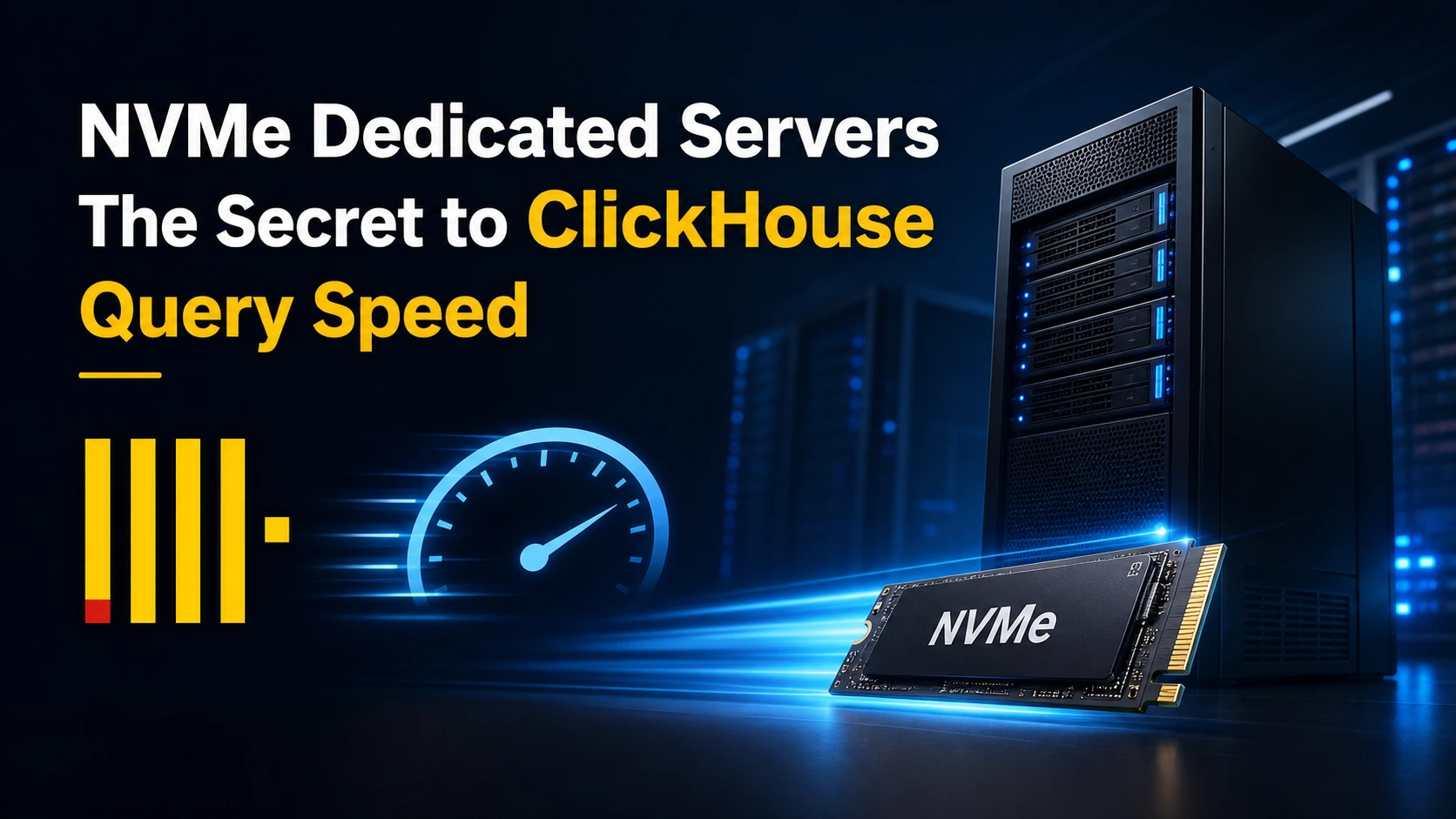
If you have ever run ClickHouse on a standard spinning disk server and wondered why your analytical queries feel sluggish despite tuning every configuration parameter, the bottleneck is almost certainly your storage layer, not your query logic. NVMe dedicated servers do not just marginally improve ClickHouse performance; they fundamentally change what the database engine is capable of delivering. This guide breaks down why that is, and what infrastructure decisions will help you get the most from one of the fastest columnar databases in the world.
What Makes ClickHouse So Demanding on Storage
ClickHouse is an open-source columnar database management system (DBMS) purpose-built for online analytical processing (OLAP). It can process billions of rows per second and compress data at extraordinary ratios, but only when the underlying hardware can keep up with its I/O appetite.
Unlike transactional databases that perform small, random read-write operations, ClickHouse thrives on large sequential scans. When you run a GROUP BY query across hundreds of millions of rows, the engine reads massive columnar data blocks from disk in rapid succession. This is called high-throughput sequential I/O, and it is where most storage subsystems either shine or become a serious constraint.
The three hardware characteristics ClickHouse cares about most are:
-
Sequential read throughput — how fast the disk can stream large blocks of column data
-
I/O latency — how long each read operation takes to begin
-
IOPS (Input/Output Operations Per Second) — how many parallel storage operations can run simultaneously
Traditional SATA SSDs and HDDs fall short in at least one of these areas. NVMe storage, especially in a bare-metal dedicated server environment, excels in all three.
NVMe vs. SATA SSD vs. HDD: The Performance Gap That Matters
To understand why dedicated servers with NVMe drives are the go-to choice for serious ClickHouse deployments, you need to see how storage generations compare in real-world analytical workloads.
| Storage Type | Sequential Read Speed | Latency | IOPS |
|---|---|---|---|
| HDD (7200 RPM) | ~150–200 MB/s | ~5–10 ms | ~200 |
| SATA SSD | ~500–600 MB/s | ~0.1 ms | ~90,000 |
| NVMe SSD | ~3,500–7,000 MB/s | ~0.02 ms | ~1,000,000 |
When ClickHouse is scanning a 500 GB column partition, an NVMe drive finishes the job in the time a SATA SSD is barely halfway through. At enterprise workload scale, that translates directly into query response times that users actually notice.
Beyond raw speed numbers, NVMe drives connect via the PCIe bus rather than the older AHCI interface. This eliminates a significant protocol overhead that was never designed for the parallelism modern databases require.
Why Bare-Metal Dedicated Servers Amplify NVMe Advantages
A cloud VM or VPS instance with an "NVMe-backed" volume does not give you the same performance as a dedicated server with direct NVMe access. There are several important reasons for this.
No Hypervisor Overhead
In a virtualized environment, every storage I/O request passes through a hypervisor layer before it reaches physical hardware. Even the most optimized hypervisors introduce latency and reduce peak throughput. On a bare-metal NVMe dedicated server, ClickHouse talks directly to the drive controller, no middleman, no tax on your I/O budget.
Dedicated IOPS — Not Shared
Cloud storage environments pool IOPS across many tenants. When neighboring workloads spike, your database slows down. This is the noisy neighbor problem, and it makes query performance unpredictable. A dedicated NVMe server gives you the full 1,000,000+ IOPS consistently, regardless of what other workloads exist on the same hardware.
CPU and Memory Are Also Yours Alone
ClickHouse is also CPU-intensive. Its vectorized execution engine processes data in SIMD (Single Instruction, Multiple Data) batches, which require stable clock speeds and real cache performance. On dedicated hardware, all CPU cores, all cache, and all RAM are reserved for your workload, which compounds the NVMe benefit because data can be decompressed and processed at peak speed end-to-end.
How ClickHouse Actually Uses NVMe Storage
Understanding the internal mechanics helps you configure ClickHouse to take full advantage of high-speed dedicated storage.
MergeTree Storage Engine and Sequential Reads
Most ClickHouse production deployments use the MergeTree family of table engines. Data is written in sorted parts and periodically merged in the background. Queries read specific column files from these parts, and they do so sequentially, in large chunks.
NVMe drives handle this pattern brilliantly because sequential throughput is where they deliver their highest numbers. Unlike HDDs, which waste time physically seeking across a spinning platter, NVMe flash storage retrieves any block at the same low latency regardless of physical position.
Data Compression and Decompression
ClickHouse uses LZ4 compression by default, with ZSTD available for higher ratios. Compressed column files are smaller, meaning less data needs to be read from disk, but the CPU must decompress it before processing.
On a dedicated NVMe server, this pipeline runs at maximum efficiency. Data streams off the NVMe drive fast enough that the CPU is never waiting for I/O; it stays busy decompressing and crunching numbers. This is the ideal state for any OLAP engine: compute-bound, not I/O-bound.
Mark Files and Index Granularity
ClickHouse uses sparse primary indexes and mark files to skip irrelevant data granules during query execution. Fetching these mark files quickly, which requires low-latency random access, is critical for the skip-read pattern to be effective.
NVMe's sub-millisecond latency ensures that index lookups happen almost instantaneously, so ClickHouse can efficiently narrow down which column chunks it actually needs to read before doing the heavy sequential scan.
Real-World Use Cases Where NVMe Dedicated Servers Make the Difference
Real-Time Analytics Dashboards
Business intelligence dashboards that need to refresh in under a second, showing live revenue, traffic, or operational metrics, are essentially impossible on HDD-backed servers with ClickHouse. On NVMe dedicated servers, sub-second query response on billions of rows is routine.
Event and Log Data Processing
Companies ingesting millions of application events, security logs, or telemetry records per minute need a system that can both write new data quickly and query it immediately. NVMe dedicated servers handle both the write throughput from ClickHouse inserts and the read throughput from concurrent analytical queries without degradation.
Time-Series Financial and Market Data
Financial analytics platforms processing tick data, order book history, or risk model calculations require deterministic, low-latency query responses. The predictability of bare-metal NVMe storage eliminates the jitter that virtualized environments introduce, a critical requirement in latency-sensitive financial applications.
Multi-Tenant Analytics Platforms
SaaS companies building analytics features into their products (usage dashboards, customer-facing reports) need a database tier that scales query performance independently per tenant. Dedicated NVMe servers give ClickHouse the consistent I/O headroom to serve dozens of concurrent analytical queries without one tenant impacting another.
Configuring ClickHouse on NVMe Dedicated Servers for Maximum Speed
Having fast hardware is only half the equation. Here is how to configure ClickHouse to extract every bit of performance from your NVMe dedicated server.
Set the Right max_threads
ClickHouse defaults to using all available CPU cores. On a dedicated server with 32 or 64 cores, this is correct behavior. Verify that max_threads is not being artificially limited in your query or server configuration.
<max_threads>0</max_threads>
<!-- 0 = auto-detect all logical CPU cores -->
Align max_bytes_before_external_group_by with Your RAM
On a dedicated server with large RAM (256 GB or more), you can raise this limit significantly, reducing the chance that ClickHouse spills GROUP BY operations to disk mid-query.
<max_bytes_before_external_group_by>50000000000</max_bytes_before_external_group_by>
Use Multiple NVMe Drives with JBOD
If your dedicated server has multiple NVMe drives, configure ClickHouse's multi-disk storage policy using JBOD (Just a Bunch of Disks) rather than RAID. ClickHouse handles its own data distribution across parts, so JBOD lets it write to multiple NVMe drives in parallel — effectively multiplying your write throughput.
<storage_configuration>
  <disks>
    <nvme1><path>/mnt/nvme1/clickhouse/</path></nvme1>
    <nvme2><path>/mnt/nvme2/clickhouse/</path></nvme2>
  </disks>
  <policies>
    <fast_nvme>
      <volumes>
        <main>
          <disk>nvme1</disk>
          <disk>nvme2</disk>
        </main>
      </volumes>
    </fast_nvme>
  </policies>
</storage_configuration>
Optimize the Linux I/O Scheduler
On NVMe dedicated servers, set the I/O scheduler to none (also known as noop). NVMe drives manage their own internal queuing (NVMe Queue Depth), so the kernel scheduler only adds overhead.
echo none > /sys/block/nvme0n1/queue/scheduler
Make this persistent in /etc/udev/rules.d/ so it survives reboots.
Allocate Sufficient Mark Cache and Uncompressed Cache
Dedicated servers with large RAM allow you to cache mark files and frequently accessed decompressed data blocks in memory, reducing physical NVMe reads for repeated queries.
<mark_cache_size>5368709120</mark_cache_size>        <!-- 5 GB -->
<uncompressed_cache_size>8589934592</uncompressed_cache_size>  <!-- 8 GB -->
Choosing the Right NVMe Dedicated Server for ClickHouse
When evaluating dedicated servers for ClickHouse deployments, consider these specifications:
-
Processor: Look for high core-count CPUs with AVX-512 support (Intel Xeon Scalable or AMD EPYC). ClickHouse's vectorized execution uses AVX instructions to process multiple data values per clock cycle.
-
NVMe Storage Capacity: Size your NVMe storage at 3–5x your raw uncompressed dataset size, accounting for replication, merge space, and future growth. ClickHouse compression typically achieves 5–10x ratios, so 10 TB of NVMe can often hold 50–100 TB of logical data.
-
NVMe Drive Specification: Enterprise-grade NVMe drives (not consumer-grade) provide consistent performance under sustained writes. Look for drives rated for high TBW (Terabytes Written) endurance.
-
RAM: Minimum 128 GB for production workloads. 256–512 GB is ideal for large datasets where caching mark files and hot column data in memory reduces physical I/O further.
-
Network: 25 Gbps or 100 Gbps connectivity if you are running distributed ClickHouse clusters. Inter-shard data transfer during queries can become a bottleneck on slower network interfaces.
ClickHouse Replication on NVMe Dedicated Servers
Running a single ClickHouse node on NVMe dedicated hardware is powerful, but production environments typically require replication for fault tolerance. The ReplicatedMergeTree engine combined with Apache ZooKeeper (or ClickHouse Keeper), handles this natively.
When each replica node is a dedicated NVMe server, the replication architecture delivers both high availability and high query performance, because every node can serve read queries independently using its own local NVMe storage. There is no shared storage bottleneck, no SAN latency, and no competition for disk I/O between replica nodes.
This design pattern, sometimes called shared-nothing architecture, is one of the main reasons ClickHouse clusters on dedicated NVMe servers outperform shared-storage alternatives by a significant margin.
Common Mistakes to Avoid When Running ClickHouse on Dedicated Servers
-
Using RAID 5 or RAID 6 across NVMe drives: Parity RAID configurations reduce write performance significantly. For ClickHouse, where the database manages its own redundancy through replication, JBOD is the correct approach.
-
Ignoring NUMA topology: Multi-socket dedicated servers have NUMA (Non-Uniform Memory Access) regions. Binding ClickHouse to a single NUMA node ensures that CPU cache and local memory are always used together, avoiding cross-socket memory access penalties.
-
Undersizing RAM relative to the working set: Even on the fastest NVMe drive, physical disk reads are slower than RAM. If your hot working dataset fits in memory, configure ClickHouse caches to hold it there. On dedicated servers, there is no excuse for under-provisioning RAM.
-
Not monitoring NVMe wear levels: Enterprise NVMe drives have finite write endurance. Use tools like nvme-cli to monitor percentage life used and schedule drive replacements before failures occur.
COLO BIRD Dedicated Servers for ClickHouse Workloads
At COLO BIRD, we provision bare-metal dedicated servers configured specifically for high-performance analytical database deployments. Our NVMe dedicated server lineup is built around the hardware specifications that ClickHouse workloads demand, enterprise NVMe drives, high-core-count processors with AVX-512 support, large RAM configurations, and high-bandwidth network uplinks.
Whether you are running a single-node ClickHouse instance for a growing SaaS product or architecting a multi-shard distributed cluster for petabyte-scale analytics, the foundation of your deployment should be dedicated hardware where the storage layer is never a constraint.
If you are evaluating server infrastructure for your next ClickHouse project, our team is available to discuss configurations, data center locations, and deployment timelines.
Frequently Asked Questions
Can ClickHouse run on a VPS with NVMe storage?
Yes, but a VPS still virtualizes the NVMe access, which reduces throughput and adds latency compared to bare-metal. For development and small workloads this is acceptable; for production analytics at scale, a dedicated NVMe server consistently delivers better and more predictable performance.
How many NVMe drives should a ClickHouse server have?
For most production deployments, two to four enterprise NVMe drives configured as JBOD gives ClickHouse enough parallel I/O bandwidth to stay compute-bound rather than I/O-bound. Larger datasets or higher ingest rates may justify more drives.
Does ClickHouse support tiered storage between NVMe and HDD?
Yes. ClickHouse's storage policy feature allows you to define hot (NVMe) and cold (HDD or object storage) tiers, moving older data automatically. This lets you keep recent, frequently queried data on NVMe while archiving historical data to cheaper storage.
What is the recommended NVMe dedicated server spec for 1 billion row ClickHouse tables?
A server with 32+ CPU cores, 256 GB RAM, and 4–8 TB of enterprise NVMe storage handles most 1-billion-row analytical workloads comfortably, with sub-second query times on properly indexed tables.
Key Takeaways
ClickHouse is one of the most powerful analytical databases available today, but it requires storage infrastructure that can match its throughput demands. NVMe dedicated servers remove the disk I/O ceiling entirely, allowing the database engine to operate at the speed it was designed for. The combination of direct hardware access, exclusive IOPS, and consistent low latency makes bare-metal NVMe the only serious choice for production ClickHouse deployments.
If your current analytics infrastructure is bottlenecked at the storage layer, upgrading to NVMe dedicated servers is the single highest-leverage change you can make — before any query tuning, indexing strategy, or schema optimization.
COLO BIRD provides bare-metal dedicated servers for high-performance database and analytics workloads. Explore our NVMe dedicated server configurations to find the right foundation for your ClickHouse deployment.
 Explore Our Global Dedicated Server Locations
 Your Voice Matters: Share Your Thoughts Below!
 Recent Topics for you